


Sage Intacct Construction:
Built for builders, powered
by the cloud.

Sage Intact Benefits
Build Confidently
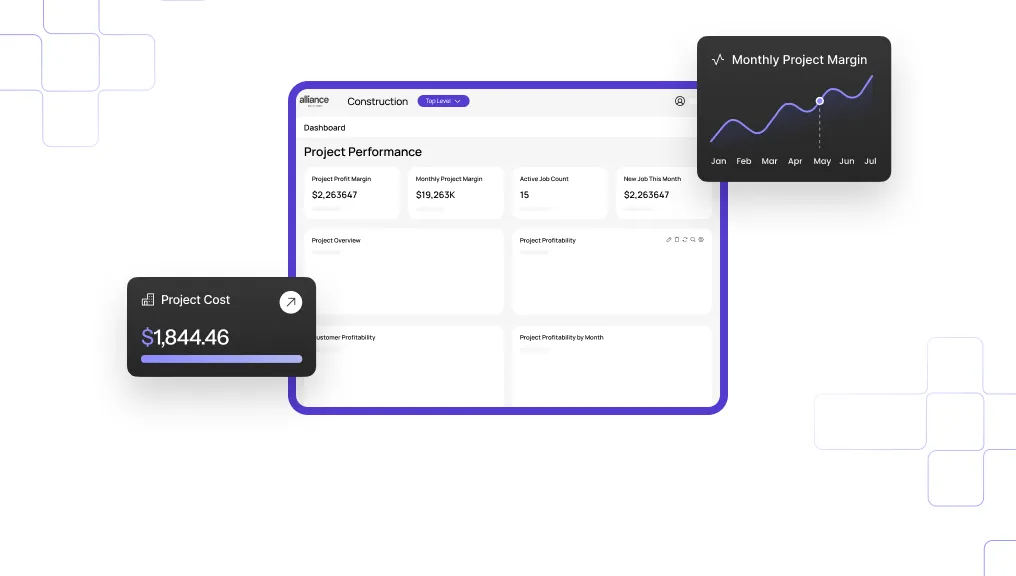
Eliminate business blind spots.
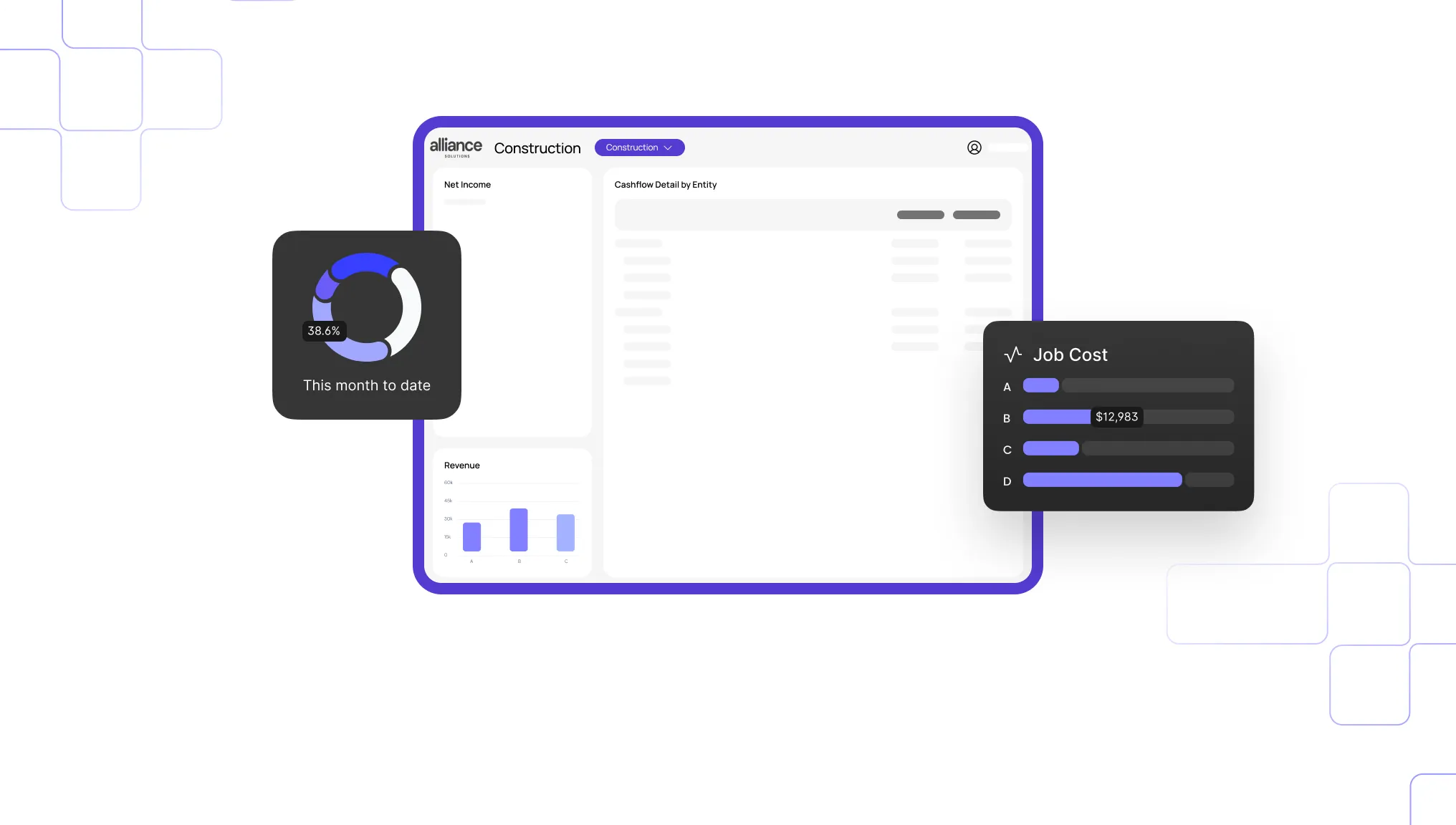
Simplify and automate busy work.
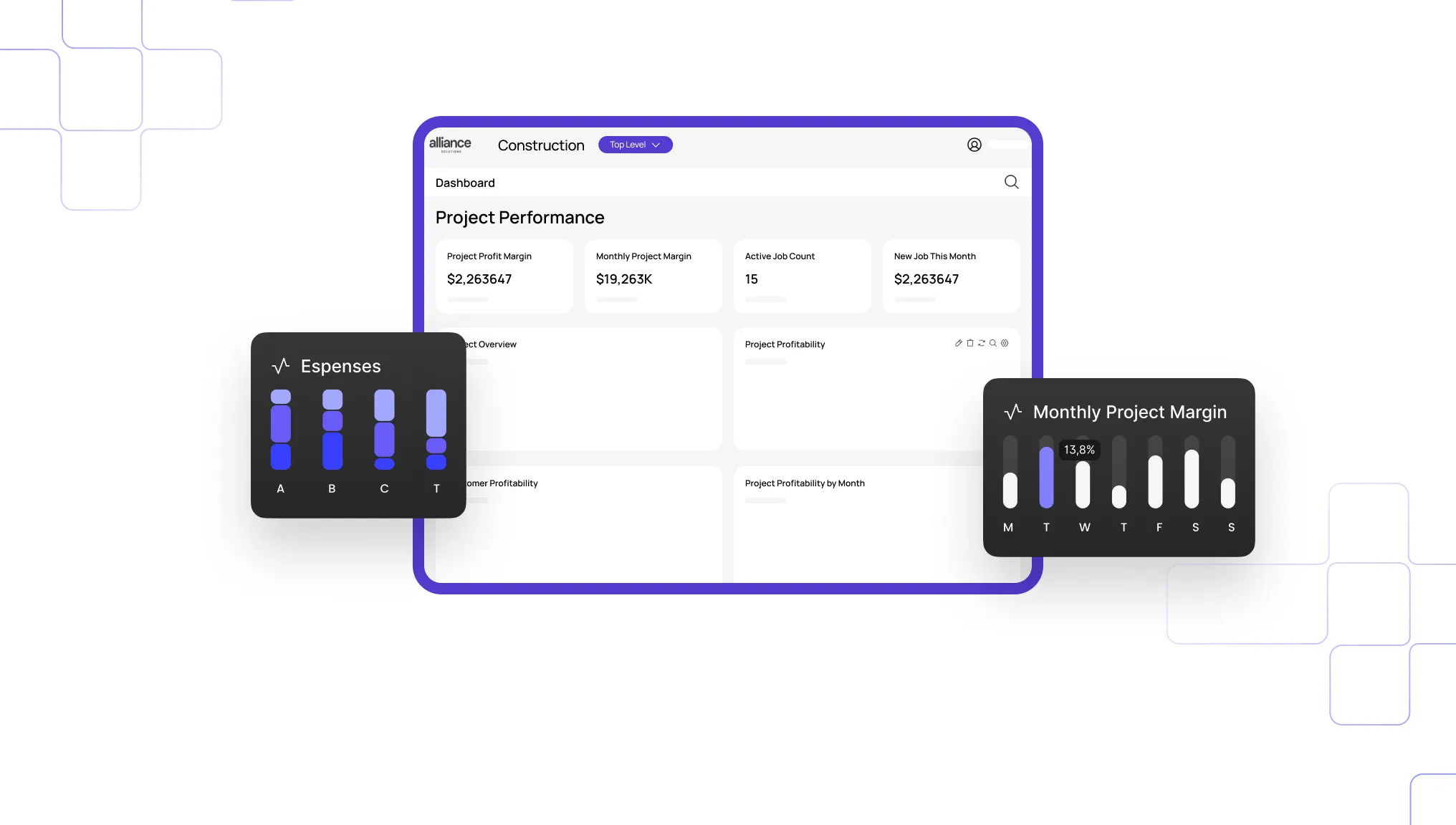
Thrive with cloud software built for construction.
The most complete cloud
construction software out there.
more efficient business — with tools that connect your people, projects, processes, and profits.
Pre-Construction
BidMatrix, and eTakeoff Dimension.
Win more business with AI-powered takeoffs
and smart bid analysis.

Operations
Sage Construction Management. Mobilize your team.
Eliminate double entry. Manage tasks, RFIs, submittals,
labor, and schedules from any device.
.jpg)
.png)
Financial Management
profitability.
Automate billing, payroll, and WIP reports — and reduce
your reliance on clunky spreadsheets for good.
.jpg)
.png)
Trusted by the trades.
Fit for firms like yours.
The premier partner for
Sage Intacct Construction.
Dive into Alliance's recent blog posts.
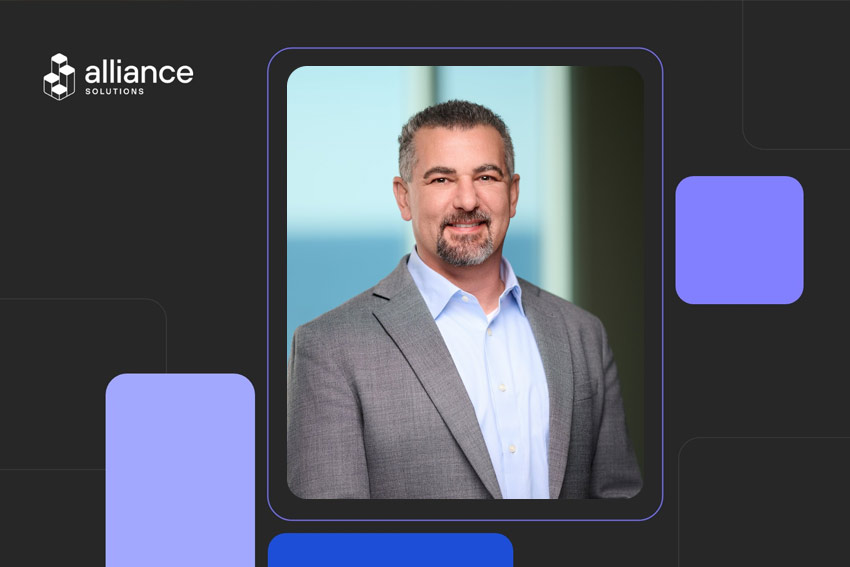
Alliance Solutions Group Names Bill Easton Chief Revenue Officer

Former Vice President of Direct Sales will lead Alliance's revenue organization, connecting every stage of the client journey from first conversation through go-live and long-term partnership
Sarasota, Florida (October 6, 2026) Alliance Solutions Group, Sage's #1 partner in North America and a Pine Services Group company, today announced that Bill Easton, Vice President of Direct Sales, has been named Chief Revenue Officer, effective September 30, 2026. Easton succeeds Andy Rashid, who has stepped into a new role as Operating Advisor, Revenue at Pine Services Group.
Easton brings eight years of experience in ERP and construction technology sales. Before joining Alliance in 2025, he spent six years at Sage, where he partnered closely with Rashid on deal strategy, forecasting, and go-to-market. As Vice President of Direct Sales, he led Alliance's sales organization to a record third quarter in 2026, setting new highs for net new sales in both new customer count and revenue. As CRO, he will lead the full revenue engine: new logo sales, in-life and renewals, marketing, and partnerships.
"I spent six years working alongside Bill at Sage, and having him here at Alliance has been a gift. I've seen firsthand how he leads: with clarity, accountability, and a team-first mindset. He knows this market, he knows our clients, and as Vice President of Direct Sales, he raised the bar for our sales organization and built a team that earns client trust every day. Bill is the right leader to unite every part of our revenue engine and carry our momentum into the next stage of growth. We couldn't be more excited to see him lead as Chief Revenue Officer."
Dustin Stephens, Chief Executive Officer, Alliance Solutions Group
"Leading our sales organization as Vice President of Direct Sales has been one of the most rewarding chapters of my career, and it reaffirmed that great results never come from one person. They come from account executives who earn client trust every day, from enablement and operations teams who keep us sharp, and from implementation and support colleagues who turn every promise into reality. As CRO, I'll focus on bringing those pieces even closer together, connecting every part of the revenue journey from the first conversation through go-live and long-term partnership. When a company chooses Alliance, I want them to see that decision pay off year after year. I'm grateful to the leadership teams at Alliance and Pine Services Group, to our partners at Sage, and to the incredible people I get to work alongside. The best is still ahead."
Bill Easton, Chief Revenue Officer, Alliance Solutions Group
"I've had the privilege of working alongside Bill for more than eight years, starting at Sage, where we worked shoulder to shoulder on deal strategy, forecasting, go-to-market, and everything in between. He has been a consistent, trusted partner who executes time and time again. We've built tremendous momentum at Alliance, and I couldn't be more excited to see Bill continue to drive that velocity as our Chief Revenue Officer."
Andy Rashid, Operating Advisor, Revenue, Pine Services Group
As Chief Revenue Officer, Easton will focus on unifying sales, enablement, operations, implementation, and support around a single client journey, building on the revenue operating system and team culture established under Rashid's leadership.
About Alliance Solutions Group
Alliance Solutions Group is Sage's #1 partner in North America, serving the construction and real estate industry exclusively since 2005. Alliance helps contractors, developers, and property managers implement, optimize, and get more from Sage Intacct and the platforms they run their businesses on. Alliance is a Pine Services Group company.
About Pine Services Group
Pine Services Group is a long-term global holding company within Evergreen, focused on partnering with leading ERP and technology-enabled services businesses. We acquire and support strong companies, helping them grow while preserving the legacy and customer focus that made them successful. Our approach is intentionally decentralized, so leaders within the Pine portfolio guide their businesses day to day. Pine partners alongside them to provide the financial clarity, strategic support and strong community of peers needed to drive long-term, sustainable growth. Learn more at https://pineservicesgroup.com/.
Media Contact
Kaley Carmichael
Director of Marketing, Alliance Solutions Group
kcarmichael@alliance-sg.com
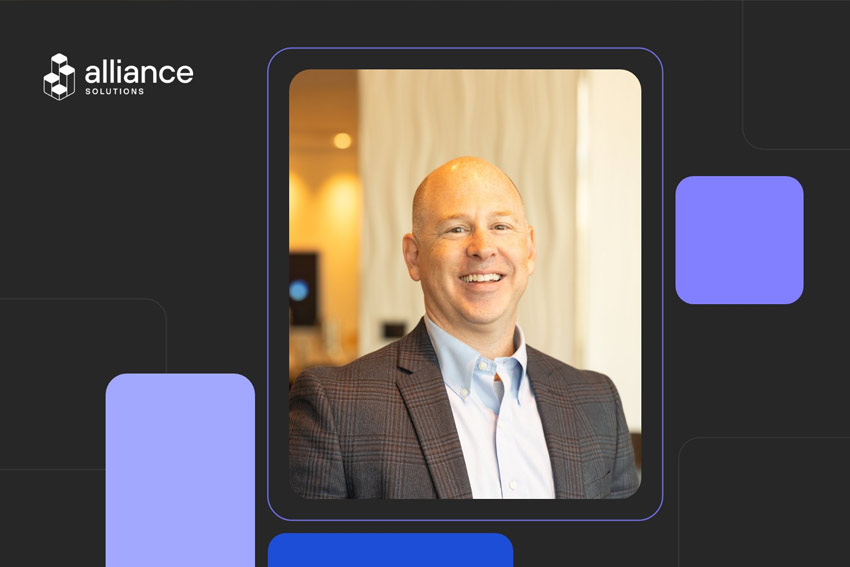
Alliance Solutions Group Chief Revenue Officer Andy Rashid Named Operating Advisor, Revenue at Pine Services Group
After 20 years helping build Alliance, Rashid will bring his go-to-market expertise across the Pine portfolio while continuing to work alongside the Alliance team
Sarasota, Florida (October 6, 2026) Alliance Solutions Group, Sage's #1 partner in North America and a Pine Services Group company, today announced that Andy Rashid, Chief Revenue Officer, is stepping into a new role as Operating Advisor, Revenue at Pine Services Group, effective September 30, 2026. In his new role, Rashid will continue to partner closely with Alliance leadership while extending his revenue expertise to companies across the Pine portfolio.
Rashid's roots in construction run deep. His family's construction business was a client, long before he moved to the technology side, giving him a rare perspective from both sides of the table. Over 20 years at Alliance, he helped build the business into what it is today, serving as a partner in the company and a Territory Manager before stepping into the dedicated Chief Revenue Officer role following Pine's acquisition of Alliance in October 2023. As CRO, he led the full revenue engine: new logo sales, in-life and renewals, marketing, and partnerships.
Under Rashid's leadership, Alliance built a foundation for its next stage of growth, including:
- A high-performing, passionate team. A sales organization that pairs a high accountability bar with a true team culture, and a coaching approach that has developed sellers into leaders who run their territories like their own businesses.
- A revenue operating system. One command center for pipeline, forecast, and performance, backed by a documented playbook across all four revenue motions, making qualification rigor and data discipline the standard.
- A scaled Sage Intacct practice. Helping construction and real estate clients move to a native cloud ERP, driving strong year-over-year growth in subscription and services revenue while creating real efficiency for clients.
- A structured partner ecosystem. A tiered strategy with the platforms clients rely on, turning referral relationships into structured agreements that protect the client base, drive great outcomes, and generate pipeline.
"For 20 years, Andy has been at the heart of Alliance. He helped build this business into what it is today, first as a partner and seller and then as the leader who built our revenue engine. His biggest impact has been on our people. His passion for our clients, his high standards, and his care for every person on this team have shaped the culture we have today. We're grateful for his leadership and thrilled that he'll keep working alongside us in his new role at Pine, bringing that same energy to the broader portfolio."
Dustin Stephens, Chief Executive Officer, Alliance Solutions Group
"What I'm proudest of at Alliance is the team we've built, a team with a unified vision of running a velocity-paced go-to-market motion. Bill Easton has been a great contributor and partner in this journey, and I'm excited to see where Bill and the team take the momentum we have created together. At Pine, I get to take that same operator's lens across a portfolio. I've spent my career in one vertical, in the weeds with contractors and the people who serve them, and there's real leverage in helping other Pine companies shorten the distance between a signal and a closed deal."
Andy Rashid, Operating Advisor, Revenue, Pine Services Group
As Operating Advisor, Revenue, Rashid will work with portfolio leadership on go-to-market strategy and operating cadence, pipeline and forecast discipline, partnership structure, and coaching the next generation of revenue leaders. He will continue to serve as a trusted sounding board and resource for the Alliance team, sharing the playbooks and lessons behind Alliance's growth with the broader Pine portfolio.
Bill Easton, currently Vice President of Direct Sales, has been named Chief Revenue Officer. In his new role, he will lead Alliance's revenue organization and build on the already strong foundation established by Andy Rashid and the team.
"I've had the pleasure of knowing Andy for more than ten years, and in that time he's proven something over and over: great sales organizations are built, not born. Andy is stepping back from day-to-day leadership at Alliance, but not from our community. As an advisor to Pine, he'll bring that same discipline and mentorship to companies across the entire portfolio."
Dustin Anderson, President of Pine Services Group
About Alliance Solutions Group
Alliance Solutions Group is Sage's #1 partner in North America, serving the construction and real estate industry exclusively since 2005. Alliance helps contractors, developers, and property managers implement, optimize, and get more from Sage Intacct and the platforms they run their businesses on. Alliance is a Pine Services Group company.
About Pine Services Group
Pine Services Group is a long-term global holding company within Evergreen, focused on partnering with leading ERP and technology-enabled services businesses. We acquire and support strong companies, helping them grow while preserving the legacy and customer focus that made them successful. Our approach is intentionally decentralized, so leaders within the Pine portfolio guide their businesses day to day. Pine partners alongside them to provide the financial clarity, strategic support and strong community of peers needed to drive long-term, sustainable growth. Learn more at https://pineservicesgroup.com/.
Media Contact
Kaley Carmichael
Director of Marketing, Alliance Solutions Group
kcarmichael@alliance-sg.com

Why Owners Take 90 Days to Pay, and Where the Bottleneck Actually Is
The owner isn't holding your cash. Your pay application is.
A general contractor's billing coordinator submits a pay application on the first business day of the month. Two weeks pass without a word. When the owner's project manager finally responds, the application gets kicked back: one subcontractor's lien waiver never came in, and the schedule of values still shows the original scope, not the change order that was approved three weeks earlier. The clock resets. The GC is now covering payroll, self-perform costs, and overhead out of pocket for another billing cycle, waiting on money it already earned.
Everyone on the GC's side calls this waiting on the owner. But the owner's team did not create this particular delay. The GC's own pay application did.
The Owner Isn't the Bottleneck, the Pay App Is
Industry research shows 70 percent of construction firms experienced late owner payments in the past 12 months, and close to half of GCs saw subcontractors slow down once the cash stalled. It is easy to read that as an owner problem. Most GC contracts include a pay-when-paid clause, so the GC cannot release payment to subcontractors until the owner's funds clear, and with margins already thin, there is little buffer to cover the gap. But before an owner can approve anything, the pay application has to be complete, accurate, and free of the specific errors that get it kicked back, and that part of the process sits entirely inside the GC's own systems.
Project managers often track budgets and change orders in spreadsheets while accounting closes the books in a separate system. When schedule of values data, compliance documents, and job cost data live in three different places, nobody has a single view of what is actually ready to bill, and the pay application goes out with gaps the owner has every contractual right to reject.
Four Places the Payment Chain Actually Stalls
In most jobs, money moves from owner to GC to subcontractors and suppliers, and each party waits for the one above it to certify work and release funds. One dispute or missing document can freeze the entire chain. Four specific breakdowns cause most of the freeze.
BottleneckUnderlying IssueImpactPay-when-paid clausesGC cannot pay subs until owner funds arriveSubs slow or stop work, jeopardizing the scheduleOut-of-date schedule of valuesScope changes not reflected in the contract-agreed SOVOwner rejects or short-pays the applicationMissing compliance docs (COI, lien waiver)Paper chase across multiple tradesPay app sits in pending status while cash is tied upSingle lump-sum billingGC invoices only at substantial or final completionRevenue gaps of 60 to 90 days while costs pile up
The first two breakdowns are structural, built into the contract itself, and not something a GC can eliminate outright. The second two are process breakdowns, and that is exactly where a GC has room to close the gap. A schedule of values that updates the moment a change order is approved never gets caught out of date. Compliance documents tracked inside the same system as the pay application never get lost in a side email thread. Those are the two breakdowns worth fixing first.
A CFO Playbook to Accelerate Cash
The goal is shortening invoice to cash from months to weeks without giving up compliance or the relationship with the owner. Four moves do most of the work.
- Automate the pay application workflow. Digital pay app forms pull current schedule of values figures, change orders, and lien waiver status directly from the accounting system, instead of being rebuilt by hand for every submission.
- Embed compliance checkpoints. The system blocks submission if a certificate of insurance or a conditional or unconditional waiver is missing or expired, so a pay app never goes out with a gap the owner can reject on.
- Offer early pay programs to subcontractors. A small discount, commonly around 2 percent, in exchange for payment inside seven to ten days keeps subs liquid and protects project momentum.
- Move to owner-aligned milestone or progress billing. Breaking a large contract into smaller monthly draws tied to measurable progress aligns cash inflows with weekly payroll and materials costs, instead of waiting on one lump sum at completion.
Each of these targets a specific point in the chain. Automating the workflow and embedding compliance checkpoints fix the two process breakdowns from the table above. Early pay programs and progress billing address the structural breakdowns a GC cannot eliminate, by giving the business a way to manage around them instead.
Real-Time Cost Control Matters Just as Much as Getting Paid
Getting paid faster only protects margin if the number being billed is accurate. Material prices can move overnight, and a single crew can burn through a week's labor budget in a day. Waiting until month-end to reconcile costs is too late to act on either one. Feeding daily field data, such as labor hours, purchase orders, and change order status, directly into the accounting system lets finance flag a cost code that is 15 percent over budget before it becomes 30 percent, compare earned value against planned value in real time, and decide immediately whether to issue a change order, add contingency, or resequence the work.
Where Sage Intacct Construction Fits
Digital pay application forms in Sage Intacct Construction pull current schedule of values figures, change orders, and lien waiver status directly from the accounting system, and the system blocks submission if a required compliance document is missing or expired. Daily field data feeds the same system, so cost-to-complete dashboards update continuously instead of waiting for month-end close.
The other half is configuring which compliance documents gate which pay applications, and how the schedule of values structure matches that GC's actual contract language, since no two ownership groups require exactly the same documentation. Alliance sets up that gating logic and SOV structure around each client's real contracts, rather than deploying a generic template and asking the finance team to work around it. Alliance Solutions Group is Sage's number one Intacct partner in North America, with real people and real expertise dedicated specifically to construction and real estate. Support that knows you by name, not a ticket number.
A Pay Application Audit GCs Can Run This Week
Run this with the team preparing pay applications. Each question has a clear yes or no answer.
- Does the schedule of values update automatically when a change order is approved, or does someone have to remember to update it by hand?
- Are compliance documents such as COIs and lien waivers tracked inside the same system as the pay application, or chased down over email?
- Can the billing team see today which jobs have all the documentation needed for a clean pay app, or does that only surface after a rejection?
- Is any job still billing on a single lump sum at completion, when milestone or progress billing would move cash sooner?
- Does daily field data feed cost tracking, or does the team wait for month-end to find out a cost code ran over?
Two or more no answers means the delay being blamed on the owner is at least partly coming from inside the GC's own pay application process.
Get Paid on the Work You've Already Done
The billing coordinator who submitted that pay application on day one did not need the owner to move faster. She needed the lien waiver already logged and the schedule of values already current, so the application went out clean the first time. That is a fixable gap, not a fact of life.
Stop Financing Owners Out of Your Own Cash Flow
If pay applications are still getting rebuilt by hand every cycle, that gap is where the 90-day wait actually comes from. Alliance configures Sage Intacct Construction so the schedule of values, compliance documents, and pay application stay connected from the day work starts.
Take a self-guided product tour
Frequently Asked Questions
Why do owners take up to 90 days to pay general contractors?
Part of the wait is structural: many contracts include pay-when-paid clauses and multi-step approval chains that take time regardless of how clean the paperwork is, and margins are already thin enough that there is little buffer to absorb the gap. But a large part of the delay traces back to the pay application itself. An out-of-date schedule of values, missing compliance documents, or a lump-sum billing structure that only invoices at completion all give an owner a legitimate reason to reject or delay approval, and that part of the process is inside the GC's control, not the owner's.
What is a schedule of values and why does it cause payment delays?
A schedule of values is the contract-agreed breakdown of a project's total value by task or phase, used to determine how much can be billed at each stage. When a change order is approved but the schedule of values is not updated to reflect it, the pay application no longer matches the actual contract, which gives the owner grounds to reject or short-pay the submission until the mismatch is corrected, adding another cycle to an already long wait.
How does compliance gating help pay applications get approved faster?
Compliance gating blocks a pay application from being submitted if a required document, such as a certificate of insurance or a lien waiver, is missing or expired. Instead of finding out about the gap after the owner rejects the submission weeks later, the GC catches it before the application goes out, which removes one of the most common reasons pay apps stall in pending status and shortens the approval cycle from weeks back down to days.
How does Sage Intacct Construction support the pay application process for general contractors?
Sage Intacct Construction keeps the schedule of values, change orders, and compliance status connected to the pay application itself, so a submission reflects what has actually been approved rather than what someone remembered to update. The same connection runs the other direction: field activity feeds cost tracking continuously, so the number going out the door is current and the application does not need to be rebuilt or corrected after the fact.
What does Alliance Solutions Group do for general contractors?
Alliance Solutions Group configures the compliance-gating rules and schedule of values structure in Sage Intacct Construction around each client's actual contract language, rather than deploying a generic template and leaving the finance team to work around it. Alliance is Sage's number one Intacct partner in North America, with real people and real expertise dedicated specifically to construction and real estate. Support that knows you by name, not a ticket number.
.webp)