

The software isn’t the hard part. Picking the right one is.
Quick answer: Contractors choose Sage construction software because it’s built only for construction, it covers the whole job from bid to closeout, and it’s proven at scale. More than 50,000 construction companies use Sage, including 48% of the ENR Top 400 contractors. Sage offers packages for general contractors, specialty contractors, home builders, heavy civil, and real estate developers, with cloud (Sage Intacct Construction) and on-premises (Sage 300 CRE, Sage 100 Contractor) options. The right product depends on your size, your IT setup, and how fast you’re growing.
A controller at a concrete and site work company knows the business has outgrown QuickBooks. The team picks a new construction accounting system. Five months and tens of thousands of dollars in unexpected fees later, there’s still no go-live date. And the multi-location reports she needs? The system can’t produce them.
That’s a real story. It’s one of the customer stories Sage tells in its own e-book, and it’s more common than anyone in this industry likes to admit.
Switching software is a big decision. Getting it wrong costs you a year, a budget, and a lot of trust with your team. So here’s what actually drives contractors to Sage, and what to check before you sign anything.
In this post
- Why “which software” is the wrong first question
- 10 reasons contractors choose Sage for Construction
- Why Alliance is the partner to get you there
- Migration: where switches go wrong
- Which Sage construction product fits your business
- A five-question check to run before you switch
- Frequently asked questions
Why “which software” is the wrong first question
Most contractors start with a feature list. Estimating, job cost, payroll, WIP. Every vendor checks every box on a demo.
The better question is this: will the system still fit when you’ve doubled your job count, added a second entity, or moved half your team into the field?
That’s where construction-specific software separates from generic accounting tools. And it’s where most of the 10 reasons below come from.
10 reasons contractors choose Sage for Construction
1. Fifty years in construction technology
Sage’s construction roots go back to Timberline. That’s more than 50 years of building software for one industry. Today, more than 50,000 construction businesses use Sage for preconstruction, operations, and finance.
The scale shows up at the top of the market too:
- 48% of the ENR Top 400 contractors use Sage
- 53% of the BD&C Giants Top 115 contractor firms use Sage
- Sage Intacct is the AICPA’s first and only preferred provider of financial software
Sage has also been recognized by IDC, G2, TrustRadius, Constructech, and Construction Executive for its construction and finance products.
2. One platform from bid to closeout
Disconnected systems are where margin leaks. The estimate lives in one tool, the budget in another, and job cost in a spreadsheet someone updates on Fridays.
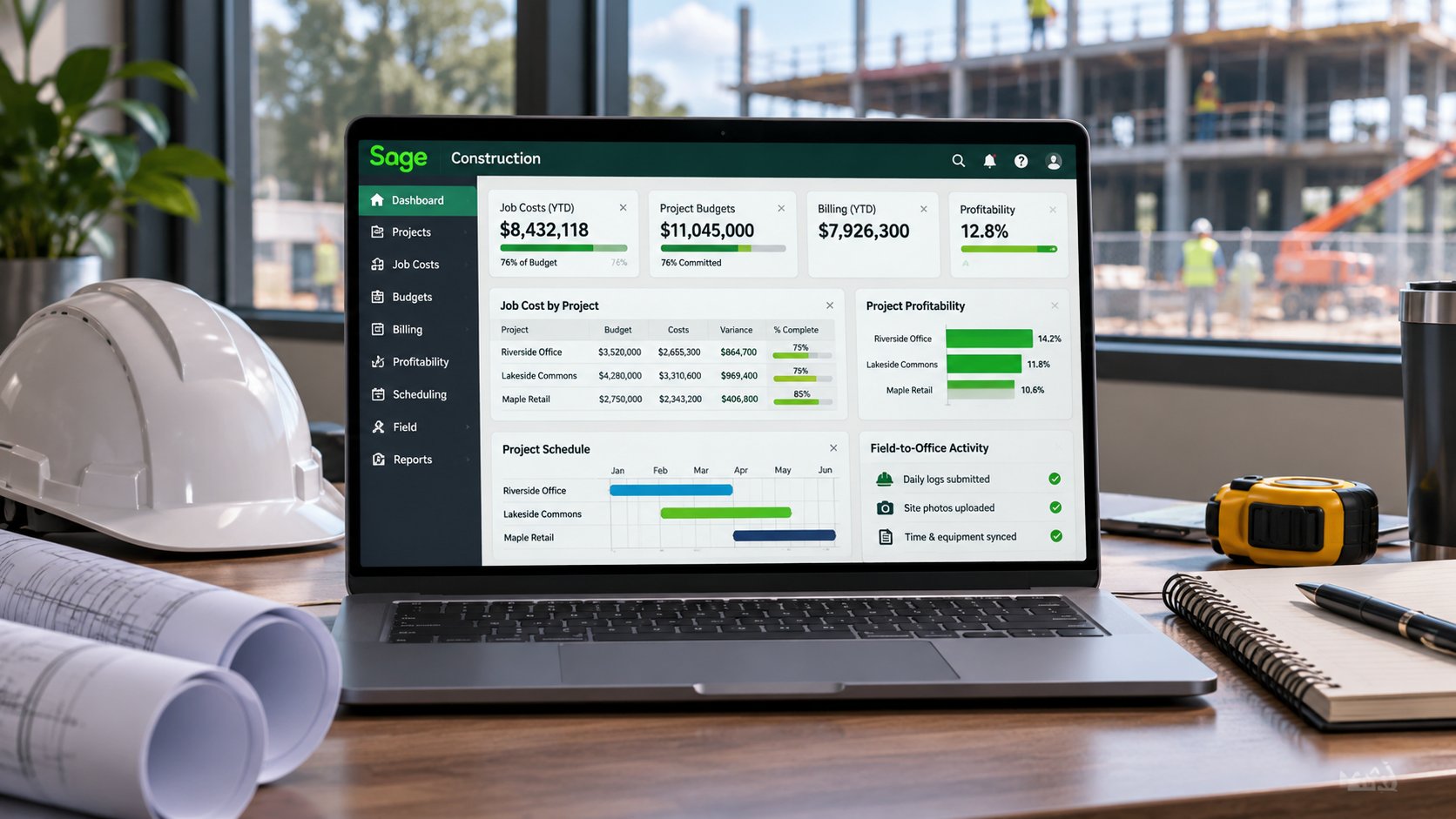
Sage covers the full lifecycle: preconstruction, operations, and finance. Estimates turn into budgets. Field activity feeds job cost. Finance sees the same numbers the PM sees.
“An end-to-end cloud system that boosts efficiency across the business, from initial lead through project completion. I’ve been looking for this for 20 years.”
CEO, construction company (Sage customer)
3. Packages built for how you actually work
A GC running ground-up projects doesn’t need the same setup as a service contractor dispatching techs. Sage builds packages around that, all with Sage Intacct Construction at the core:
- Sage for General Contractors: preconstruction, bid management, and construction management
- Sage for Specialty Contractors: construction and inventory management, plus service and field operations
- Sage for Home Builders: preconstruction, bid management, and client collaboration
- Sage for Heavy Civil Construction: heavy civil operations and fleet management integration
- Sage for Real Estate Developers: construction operations plus property management and lease administration
- Sage for Construction Essentials: a cost-conscious package for growing companies of any discipline
Add-ons cover estimating, field operations, multi-entity consolidations, fixed assets, planning, document management, and payroll.
4. Preconstruction tools that win more bids
Bid day is where a lot of profit is won or lost before the first shovel hits the ground. Sage’s preconstruction tools are built for that day:
- Sage Estimating: automated estimating software trusted by contractors for more than 30 years
- Sage BidMatrix: cloud bid analysis built into Sage Estimating, so you can compare sub bids, weigh risk, and level faster
- AI-assisted digital takeoff: pulls quantities straight from drawings, so estimators stop counting by hand
- Sage Construction Management: lead and opportunity tracking so you chase the jobs most likely to close
Won bids convert straight into projects. Nobody re-keys the estimate.
5. Operations tools that connect the field and the office
The office shouldn’t find out about a problem two weeks after the field does. Sage’s operations tools track schedules, punch lists, tasks, equipment, labor, deliveries, submittals, and RFIs, from any device.
- Sage Construction Management handles project management from contract to completion.
- Sage Field Operations connects service techs to the office and tracks repair time, technician utilization, and customer satisfaction.
- Sage Intacct Real Estate handles property, lease, tenant, and unit management.
“With Sage Construction Management we don’t waste time on double data entry or worry about information silos. Everyone can trust that they’re relying on the most up-to-date information.”
President, luxury home builder (Sage customer)
6. Finance software that shows you where the margin went
This is where most contractors feel the switch first. Sage’s finance products are built around construction accounting, not bolted onto it:
- Job costing across labor, materials, equipment, and subcontracts
- Real-time visibility into project financials from anywhere
- Billing and payroll handled with tight integrations
- Automated WIP, so your WIP schedule isn’t a separate spreadsheet
Sage offers three core finance products. Sage Intacct Construction is the cloud option. Sage 300 Construction and Real Estate (formerly Timberline) and Sage 100 Contractor run on-premises. Construction payroll is available in-house or outsourced.
If you want to see what better job cost visibility looks like in practice, we broke it down in why budget vs. actual isn’t enough.
“Sage Intacct Construction streamlines processes, so with the time you gain back, you can actually understand the data and make fact-based decisions.”
CFO, mechanical contractor (Sage customer)
7. A track record you can check
Three Sage customers, three very different problems:
- A multi-discipline GC doing high-rise residential, commercial, and industrial work needed estimates tailored to owner requirements. With Sage Estimating, they connected takeoff, estimating, and bid closing, and now track risk factors like incomplete bids, bond limits, and M/WBE requirements.
- A Chicago luxury home builder used Sage Construction Management to eliminate double entry and create estimates from scratch, spreadsheets, or past jobs.
- The concrete and site work company from the top of this post cut its losses on the first system and moved to Sage Intacct Construction. They got the multi-location reporting they needed, plus vendor compliance tracking that made audits easier.
Want stories from contractors Alliance has worked with directly? See our case studies.
8. Built for the cloud, not moved there
There’s a difference between software that was born in the cloud and software that got hosted somewhere else and called “cloud.”
Sage has more than 20 years in cloud financials. Sage Intacct Construction runs on a true multi-tenant cloud, which means:
- You’re always on the current version. No upgrade projects.
- Open APIs connect the other systems you already run.
- AI and machine learning are already in the product, not sitting on a roadmap slide.
9. Your choice of all-in-one or best-of-breed
No two contractors run the same setup. Sage sells packages or à la carte, so you can go all-in or start with the pieces you need most.
Open APIs connect Sage to the other systems your team already relies on. Either way, the data lands in one place.
10. The largest partner network in construction
Here’s the reason that gets the least attention in a demo and matters the most after you sign: who implements it.
Sage has built the largest, most experienced partner network in construction. That means the team setting up your system has done it for companies like yours. A good partner doesn’t stop at go-live. They help you hit your goals, share what works at other contractors, and keep the system growing with you.
“This was the sixth or seventh software implementation I’ve been through. The team at our Sage partner was the best I’ve ever worked with.”
Controller, concrete and site work contractor (Sage customer)
Which raises the obvious question: which partner?
Why Alliance is the partner to get you there
Reason #10 decides how the other nine play out. Sage builds the software. Your partner decides whether it actually works for your business.
That’s where we come in. Alliance Solutions Group is:
- Sage’s #1 Intacct partner in North America
- Sage’s #1 Construction & Real Estate partner, recognized in 2020, 2021, 2023, and 2024
- #1 in Sage Intacct go-lives in 2024
- Construction & Real Estate only, since 2005. That’s over 20 years.
That focus is the point. We don’t have to learn what retainage, WIP, or certified payroll mean on your dime.
Whatever your trade, we’ve likely worked with a contractor like you. See how we help general contractors, electrical contractors, mechanical contractors, home builders, and real estate developers.
Migration is where switches go wrong. It’s where we’re strongest.
Remember the controller from the top of this post? The features weren’t what failed her. The move was.
That’s how most software switches go sideways. Messy data comes over as-is. History goes missing. The team never gets trained. The go-live date keeps sliding.
Whether you’re moving off QuickBooks or moving up from Sage 100 Contractor or Sage 300 CRE (formerly Timberline) to Sage Intacct Construction, here’s how we handle it:
- It starts with what your business needs, and in what order. Before we recommend anything, we figure out what you actually need. Sometimes that’s a Sage product. Sometimes it’s a process fix first.
- One team runs the whole build. Discovery, design, data migration, workflow build, testing, and training are handled by a dedicated team of implementation consultants and coordinators. The goal: get the build right the first time.
- Configured to how your field and finance teams actually work, not a generic template.
- Specialists when you need more. Our technical, integration, and development specialists build custom reports, integrations, and printed document templates when your requirements go past the standard setup.
- Faster go-lives, cleaner data. Sage Intacct Construction implementations with Alliance typically go live in 5 to 7 months.
- Going live isn’t the handoff. Your implementation team stays with you for the first three months. After that, a named post go-live team handles support, optimization, and new modules, with an account manager for the long haul. Real people who know you by name.
Which Sage construction product fits your business?
Not sure where you land? Here’s the quick version.
| Sage Intacct Construction | Sage 300 CRE | Sage 100 Contractor | |
|---|---|---|---|
| Where it runs | Cloud (multi-tenant) | On-premises | On-premises |
| Best for | Growing mid-size to enterprise contractors | Established mid-size firms with in-house IT | Smaller contractors moving up from QuickBooks or spreadsheets |
| Strengths | Real-time visibility, multi-entity, remote access, open APIs | Deep job costing and compliance, full system control | Core accounting and job cost at a lower cost |
| Upgrades | Automatic | Managed by your IT team | Managed by your IT team |
| Watch for | Plan your data migration early | Server and IT overhead | You may outgrow it as you add entities or locations |
Still not sure? Our Sage ERP product comparison goes deeper.
A five-question check to run before you switch
Answer yes or no:
- Can your current system show job cost by phase without someone exporting to a spreadsheet?
- Does your WIP schedule build itself, or does someone rebuild it every month?
- Can your PMs and your accounting team look at the same numbers on the same day?
- Can you report across every entity or location without manual consolidation?
- If you doubled your job count next year, would your system keep up?
Rule of thumb: two or more “no” answers means your software is costing you more than a switch would.
Pick the system you’ll grow into, not out of
Remember the controller from the top of this post? Her first system wasn’t the problem because it lacked features. It was the problem because it didn’t fit the business, and nobody caught that before the contract was signed.
That’s the gap a construction-only partner closes.
Ready to see if Sage is the right fit?
If you’re weighing a move off QuickBooks, an older Sage system, or software that isn’t keeping up, talk to the #1 Sage Intacct partner in North America. Alliance will walk through your jobs, your entities, and your reporting, and tell you straight which Sage product fits.