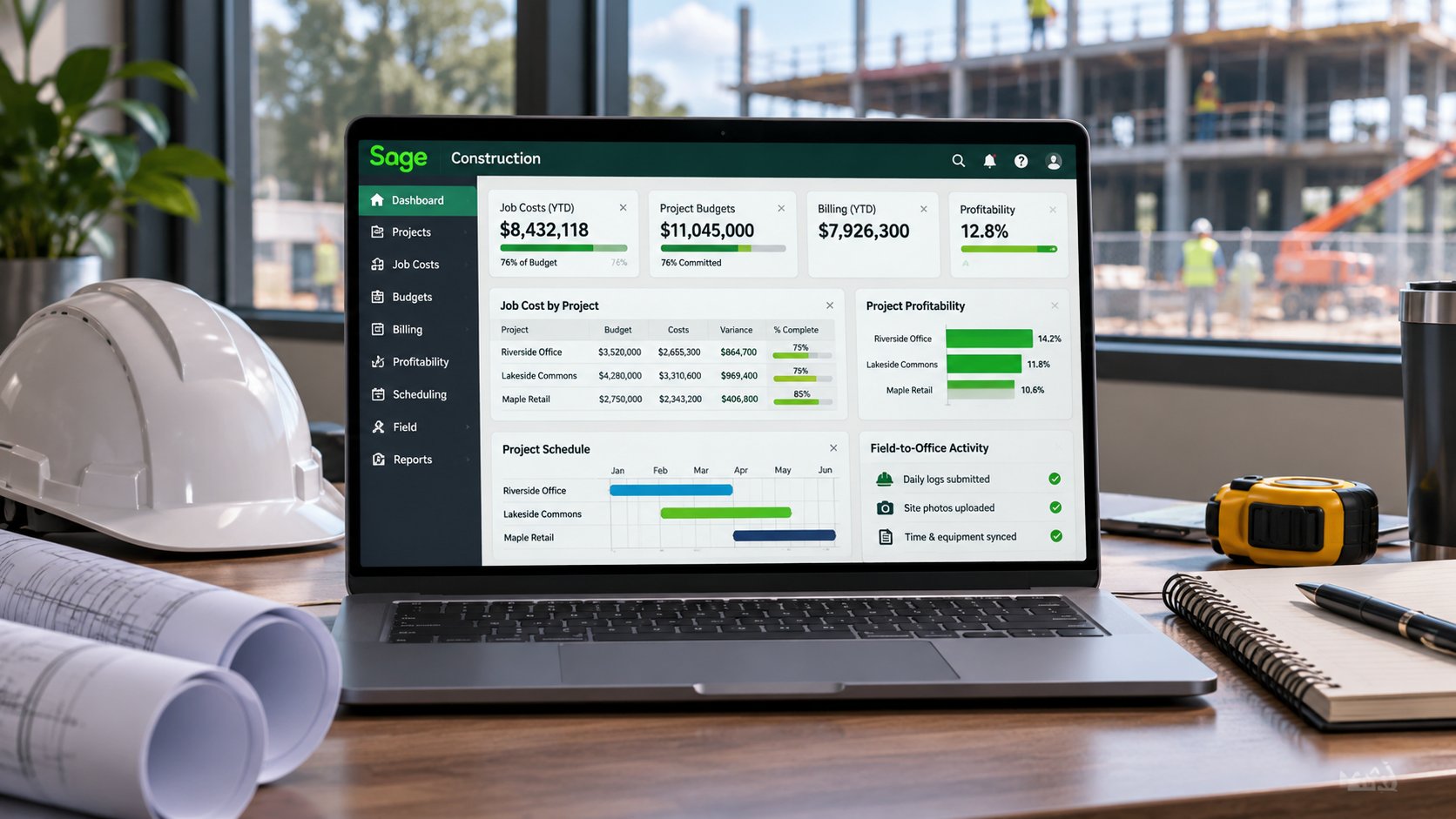


Your bonding agent is not asking whether your WIP schedule is formatted correctly. They are asking whether your books can keep up with the work.
A controller at an electrical contracting firm is pulling together the quarterly WIP schedule before it goes to the company's surety. Job 4417 should show billing roughly in line with the work performed. Instead the schedule shows a $60,000 underbilling position with no obvious explanation.
She traces it back two billing cycles. A change order had been approved and the contract value went up. The billing spreadsheet never got the update. The progress billing that went out was calculated against the old contract total, so the job was billed short, and the schedule has been comparing a correct earned-revenue figure against an understated billing figure ever since.
The WIP schedule was right. It was reporting a billing problem accurately, and nobody read it that way, because nobody was treating the schedule as a report on job cost.
What a WIP Schedule Is Actually Built On
A WIP schedule answers one question: how much of each contract have you earned, and how does that compare to what you've billed?
The first half of that question is a job cost question. Percent complete on a WIP schedule is cost-to-cost — costs incurred to date against the total estimated cost at completion. That percentage multiplied by the contract value is earned revenue. None of it comes off the pay application.
The second half is where billing comes in. Earned revenue gets compared against what you've actually billed, and the gap between them is the over- or under-billing position. Billing is one side of a comparison, not the source of the calculation.
This distinction is the whole thing. A WIP schedule built on billing data describes what got invoiced. A WIP schedule built on job cost describes what actually happened on the job. Those produce different numbers, and only one of them is what a surety is reading.
For how the schedule of values and percent complete get entered on the pay app itself, see Cut Hours Off Your Monthly Pay App: Progress Billing for Electrical Subs in Sage Intacct.
What a Stale Contract Total Distorts
When job cost is behind, or the contract value the billing was calculated against is wrong, it doesn't stay contained to one line. Several WIP figures move together, because they share inputs.
- Earned revenue, calculated from cost-to-cost percent complete against the contract value. A contract value that's missing an approved change order understates it.
- The over- or under-billing position, which is the gap between earned revenue and billings. Bill against a stale contract total and this gap opens up even though the job is fine.
- Gross profit to date, which is earned revenue less cost incurred. It moves with both.
- Remaining backlog, which is contract value less earned revenue. A missing change order shrinks it on paper while the crew is still out there doing the work.
None of these are wrong because the WIP schedule was built incorrectly. They are wrong because the contract value or the cost data underneath them was.
Where the Numbers Actually Drift Apart
In a spreadsheet-based process, the progress billing gets built in Excel and then rekeyed into the accounting software for posting. That is the gap, and it opens in a few specific places.
- A calculation field in the spreadsheet breaks, or gets overwritten, and nobody notices because the output still looks like a number.
- Previously-billed doesn't get updated, so this period's billing calculates off a stale base.
- A change order gets approved and the spreadsheet's contract total never gets changed to match.
- The contract amount in the spreadsheet has to be reconciled against the contract amount in the accounting system, by hand, every single period.
- The billed-to-date figure has to be pulled out of the accounting software to compare against the schedule, because the spreadsheet doesn't know what actually posted.
In Sage Intacct, the contract lives in one place. A change order still has to be created by someone — the approval email doesn't route itself into the system — but once that change order is approved, it's added to the contract. There's no second contract total sitting in a spreadsheet waiting for someone to remember it, and no rekeying step between the billing and the posting.
Where Retainage Lives
One thing worth knowing, because it trips people up: retainage is not on the standard WIP report. It's on the job cost analysis report, which carries retainage held.
That matters because contractors routinely need to back retainage out to see real cash. If you're reading the WIP schedule expecting to find it there, you won't.
Why This Matters More When a Surety Is Reading It
A single billing error on one job is usually recoverable once it's found. The bigger risk is what it looks like from the outside.
Sureties and lenders read the WIP schedule as a direct indicator of financial discipline. An underbilling position with no clear explanation raises the exact kind of question that slows down a bonding renewal or a credit line increase. The contractor in this scenario has a real, correctable problem. What a surety can't easily tell from the outside is whether that's a one-time miss or a sign that the accounting can't keep pace with the field.
That is the question underneath every WIP schedule a bonding agent reads.
What This Doesn't Fix
Keeping the contract in one system removes a specific failure point: the reconciliation step where a stale contract total or a broken formula can throw the billing off. It does not fix job cost that's behind. If costs aren't posted, percent complete is calculated against an incomplete number, and the schedule reports a position that was never true. Clean billing on top of late job cost still produces a WIP schedule a surety shouldn't trust.
It also doesn't replace a monthly review. A controller still has to look at each job and ask whether the numbers make sense.
Frequently Asked Questions
Does a billing error always show up as an underbilling or overbilling position?
Usually, but not always as visibly as in this example. Any gap between earned revenue and what's been billed lands somewhere in the WIP calculation — most often in the over/under billing figure itself, sometimes in gross profit to date.
Is percent complete on a WIP schedule the same number as percent complete on the pay app?
They're answering different questions. The pay app's percent complete is what you're asking the general contractor to pay for this period. The WIP schedule's percent complete is cost-to-cost. On a well-run job they track closely. When they diverge, that's usually what the over/under billing position is telling you.
Can Sage Intacct catch an error like this automatically?
It removes the most common cause of it. With the contract in one system, there's no separate spreadsheet contract total to reconcile and no rekeying step between the billing and the posting. It can't tell you that the costs on a job were posted late.
Make Sure Your WIP Is Actually Telling the Truth
The controller in this scenario found her problem before the surety did, but only because she happened to trace a number that looked wrong. When the contract, the job cost, and the billing all live in the same system, the WIP schedule stops being a reconciliation exercise and starts being a report you can read.